
Onboard camera
Confirm that the camera provides the analog video signal and connector required by the transmitter. Plan its power supply and cable route on the airframe.

Explore a 7.2GHz analog FPV video demonstration using the AL7210 transmitter, with camera input, receiver channels, antenna selection, supply and cooling.
Review the camera output and the video input required by the transmitter.
Match exact channel frequencies and antenna requirements.
Plan mounting space, supply voltage and cooling airflow.
Each component affects the complete analog FPV video link. Check the interfaces and operating requirements at every step before choosing equipment for 7.2ghz video demonstration.
Confirm that the camera provides the analog video signal and connector required by the transmitter. Plan its power supply and cable route on the airframe.
The AL7210 is listed for 6110–7210 MHz and up to 10 W output. Compare its 9–36 V input and selectable settings with the aircraft power and cooling plan.
Use a receiver and antennas that cover the exact selected channel. A broad 7.2GHz band label alone does not confirm channel or interface compatibility.
Connect the ground receiver to a suitable display and test the picture before flight. Review image changes as the aircraft position and surroundings change.
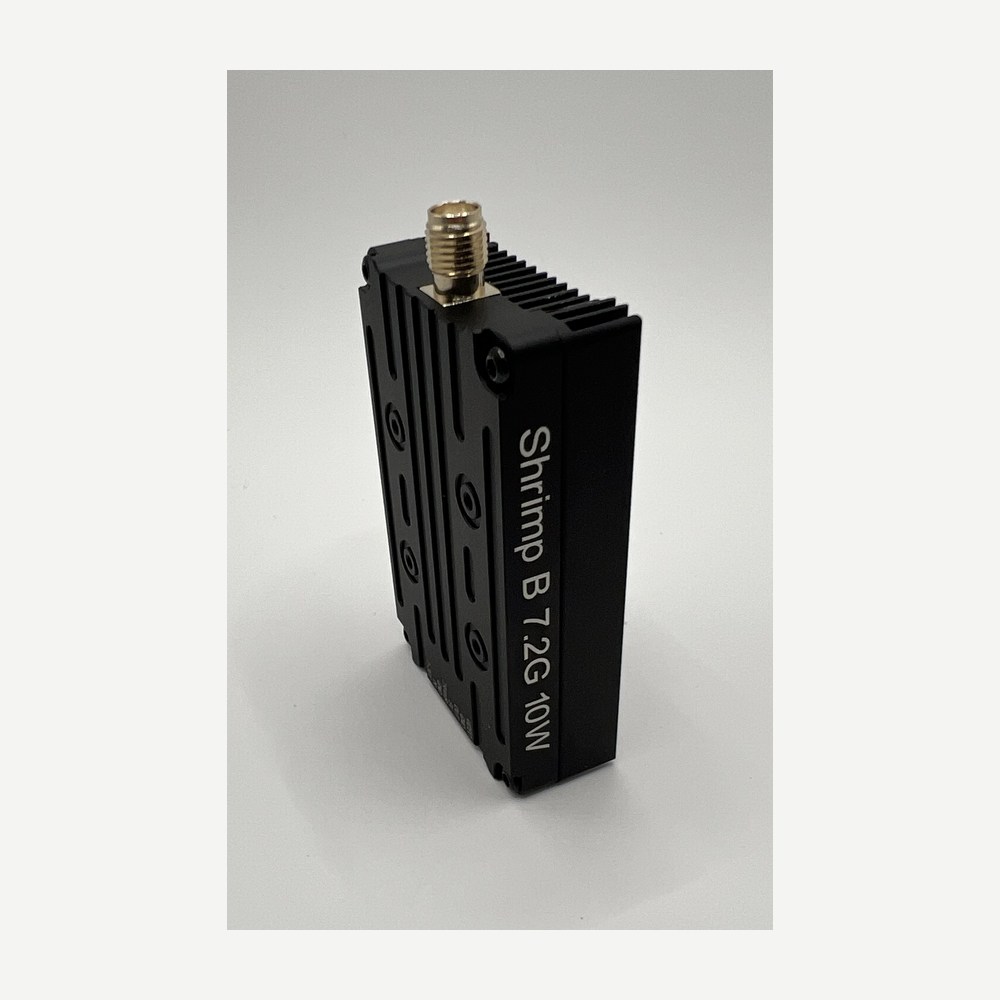
6110–7210 MHz · 10 W · 9–36 V. Explore the product details and compare them with the complete system.
View product→Practical answers about equipment selection, compatibility and the limits of this example setup.
The published range is 6110–7210 MHz with 64 channels. Confirm the exact selected frequency against the receiver channel table and antenna coverage.
No. The receiver must support the same exact channel and analog video format. Check the antenna and display interfaces as part of the complete link.
The AL7210 is listed for 9–36 V input, with PIT, 1 W, 2.5 W, 5 W, 7.5 W and 10 W output settings. Follow the current documentation for power and cooling.
It illustrates one analog FPV video setup. Image quality and link behavior depend on equipment, antenna placement, interference and operating conditions; it does not establish a guaranteed range.
Discuss a catalogue model or contract manufacturing brief. Share your setup, quantity and timing.